
Cliff Routes
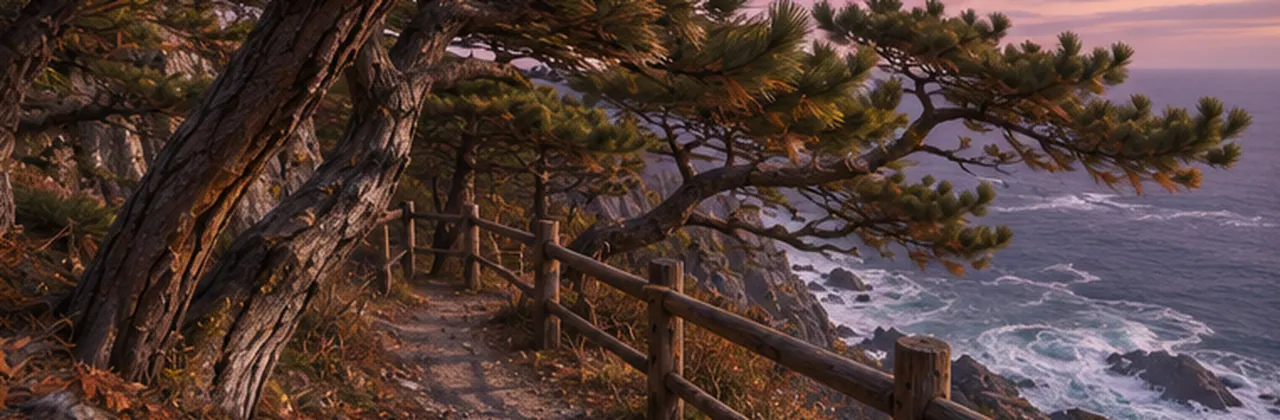
Anchor on the Pine Side
Find the place below the bough where the trail changes direction.
Read the case notes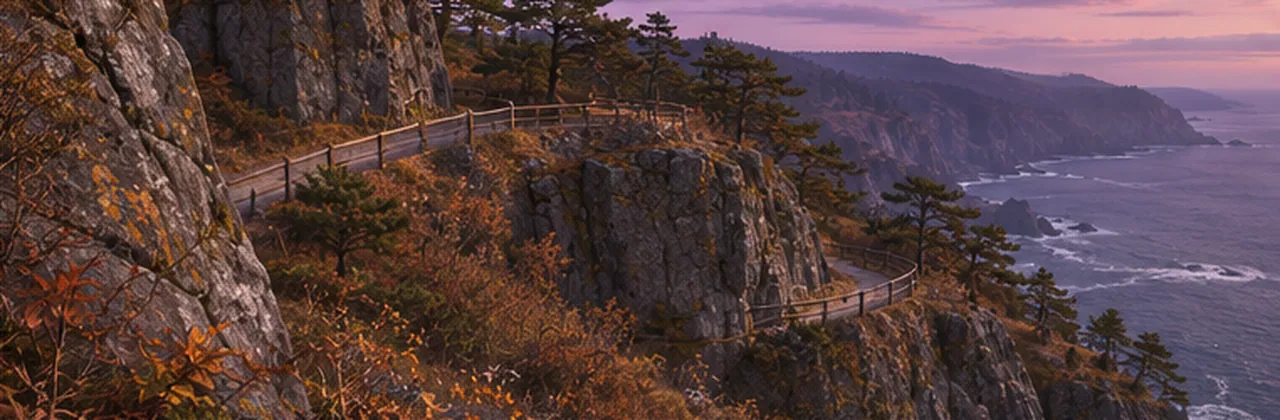
Pine side
Find the place below the bough where the trail changes direction.
Anchor on the Pine SideSurf fence
Keep the far post in sight until the bend opens.
Trace the Surf FenceStart at the cover with the low branch
The pine side reaches a shaded curve where a broad bough seems to continue the direction of an old rail. In Anchor on the Pine Side, you approach that view from below the trunk. A short length of the rail comes into sight first. Watch the stronger shadow beside it before following the branch to a second place where the path starts to change direction.
Compare the cover at the far fence
The second case gives a wide view across two turns in the rail and then leads close to the older one. Trace the Surf Fence begins on the brighter stretch above the first turn. It asks the ranger to place a farther post before the nearer part moves out of sight. The old timber remains low in the view at the side of a shoulder of rock. Look for the later post above it after looking down at the surf.
Place a case before moving through it
The two route covers offer different evidence at the first turn. One uses the changing line of the pine bough to reveal a fixed mark. The other uses two portions of the fence with a low rock between them. The cases can be read below the covers or opened in a separate prototype account. The nearer and broader views remain available if you need to compare where a post actually sits.
Read the changes that made a route legible
The Distance between the Posts looks at a lost mark close to the rock. A Bough in the Strong Wind shows an earlier view where too much of the tree moved together. Keep One Place to Stop gives the ranger room to check a later position without moving along the whole path. Headland Changes places their earlier and current decisions together if you want to track one detail through both versions of the scene.